
When you are uploading a photo, signature, ID document, or other image to an online application, choosing the right file format can make a difference. Many application portals have requirements for both file format and file size. A portal may accept JPG but reject PNG, or it may limit uploads to 100KB, 50KB, or another specific size.
For photographs, JPG is often the more practical choice because it produces a smaller file size. PNG is better when you need lossless quality, transparency, or sharper graphics. But the most important rule is simple: always follow the exact requirements given by the application portal.
What is the Difference Between JPG and PNG?
JPG and PNG are two common image formats but they work very differently.
JPG (also called JPEG) uses lossy compression, which means it reduces file size by permanently removing some image data. This makes it useful for photographs, passport photos, scanned images, and any situation where a smaller file size matters.
PNG uses lossless compression, which preserves every pixel of the original image perfectly. PNG is better for screenshots, logos, graphics with sharp text, and images that need a transparent background. PNG files tend to be larger than JPG for the same photograph.
JPG vs PNG: Quick Comparison
| Feature | JPG | PNG |
|---|---|---|
| Compression | Lossy | Lossless |
| File size for photos | Usually smaller | Often larger |
| Best for | Photographs, ID photos | Graphics, screenshots, transparency |
| Transparency | No | Yes |
| Useful for strict size limits | Usually yes | Sometimes difficult |
There is no format that is automatically better for every application. The best choice depends on what the portal accepts and what type of image you are uploading.
Which Format Should You Use for Online Applications?
If the application accepts both JPG and PNG and you are uploading a photograph, JPG is usually the practical choice. A photograph saved as PNG may be several hundred kilobytes while the same photo saved as a reasonably compressed JPG could be under 100KB. That difference matters a lot when applications have strict upload limits.
However, if the application specifically requires PNG, use PNG even if the file is larger.
Before uploading, always check the application requirements for:
- Accepted file formats
- Maximum file size
- Required image dimensions
- Background requirements
- Any other image specifications
The portal requirements always take priority over general recommendations.
When Should You Use PNG?
PNG makes sense in a few specific situations:
The application specifically requires PNG. If the instructions say PNG, do not convert to JPG just to make it smaller.
Your image has a transparent background. PNG supports transparency while JPG does not, making PNG necessary for logos, icons, and graphics where the background needs to remain transparent.
Your image contains sharp text or graphics. Screenshots, diagrams, and logos with text can benefit from PNG since lossless compression preserves fine details better.
How to Convert PNG to JPG
If you have a PNG image but the application requires JPG, you can convert it using our Image Compressor:
- Upload your PNG image
- Select JPG under Output Format
- Adjust the compression quality if needed
- Download the converted JPG
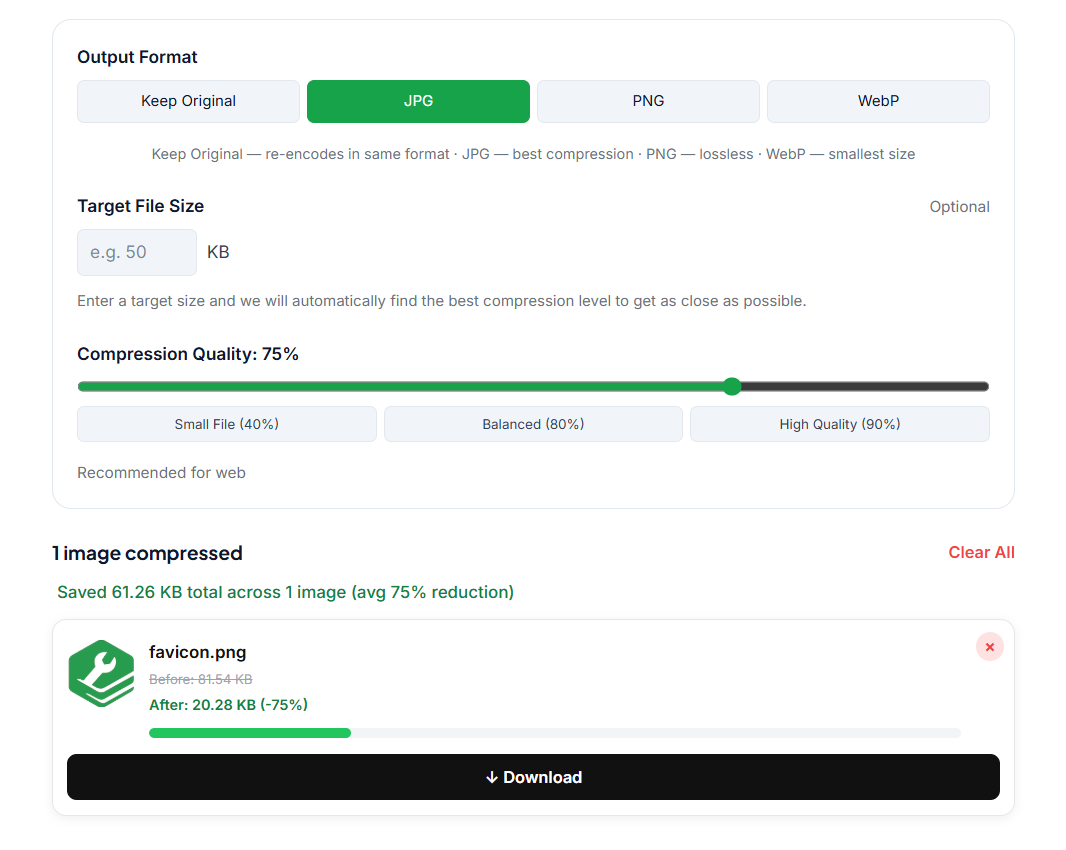
If the application also has a file size requirement, you can handle the format conversion and compression in the same step.
How to Compress a JPG for an Online Application
Sometimes changing PNG to JPG is not enough and the file is still too large. Our Image Compressor has a Target File Size feature that solves this automatically. Just enter the size you need like 100KB or 50KB, and the tool finds the right compression level to get as close as possible to that target.
- Upload your image
- Choose JPG as the output format
- Enter your target file size
- Download the compressed image
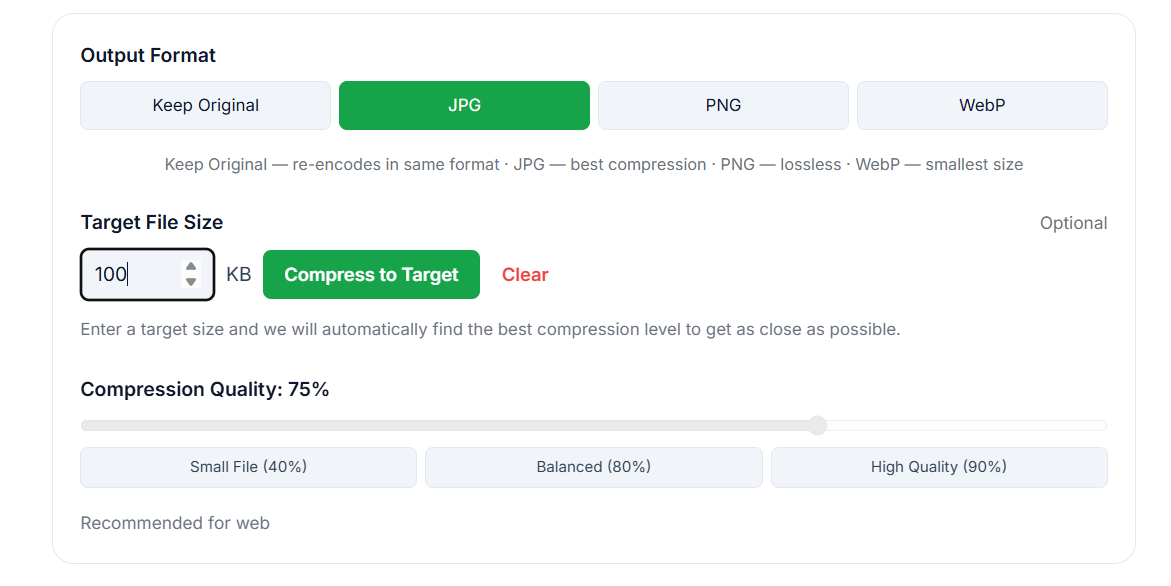
Always check the actual downloaded file size before uploading to the portal since the target is an approximation and the final result depends on the image.
🖼️ Need to convert PNG to JPG or compress for an application? Our free Image Compressor does both in one step, just upload, select JPG, set your target size, and download. No signup needed.
Can I Compress Multiple Images at Once?
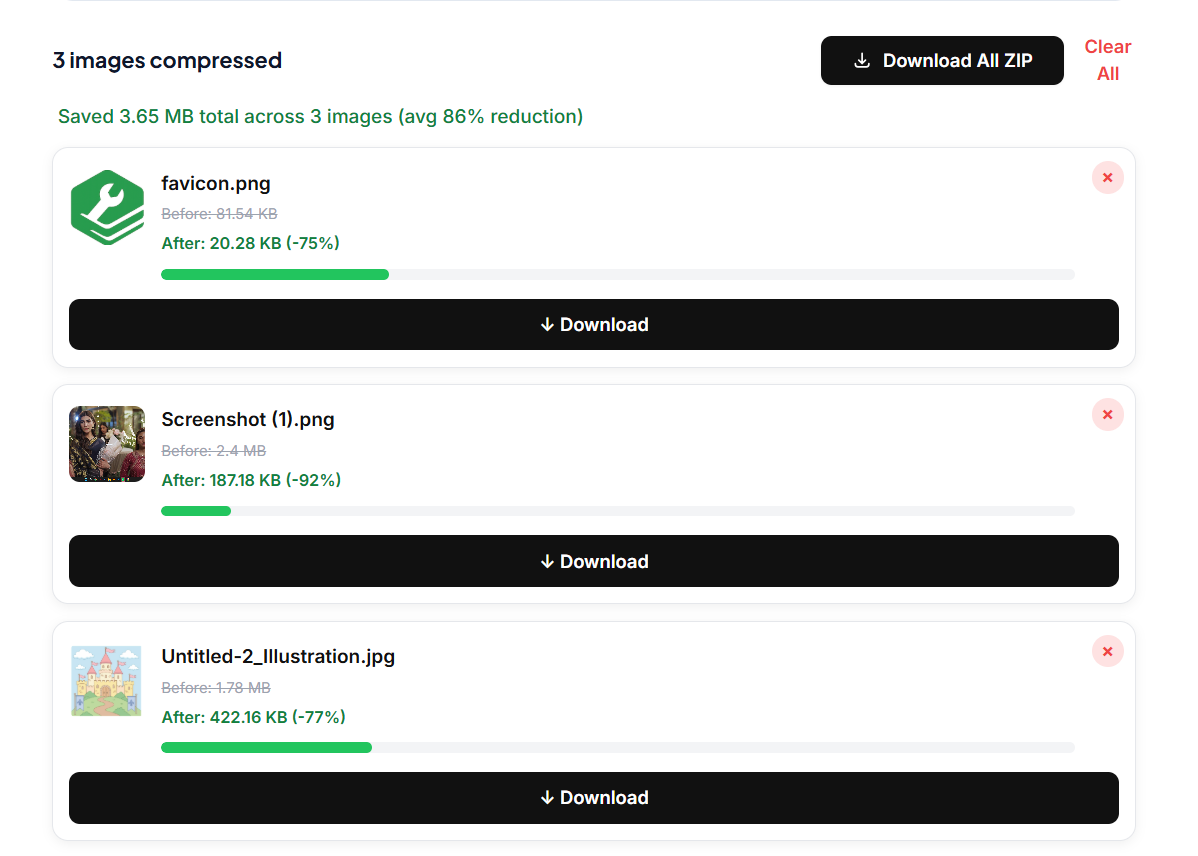
Yes. If you have several images to prepare, you do not have to compress them one at a time. Our Image Compressor supports multiple images in one session. Upload them all, apply your settings, and download individually or use Download All ZIP to get them together.
What About WebP?
WebP is a modern format that provides excellent compression but most government, university, and job application portals do not accept it. Unless the portal specifically lists WebP as an accepted format, stick with JPG or PNG.
JPG vs PNG for Passport and Application Photos
For passport photos and ID images, JPG is usually the practical choice when the application accepts it. Photos compress well as JPG and it helps a lot when portals have strict size limits like 50KB or 100KB.
Just remember that the application may also have requirements for photo dimensions, aspect ratio, background color, and other specifications. Follow the complete set of instructions, not just the format requirement.
Frequently Asked Questions
Is JPG or PNG better for online applications? Neither is universally better. For photographs, JPG is usually practical because it produces smaller files. PNG is better for graphics, screenshots, and transparency. Always use the format the application portal requests.
Is JPG smaller than PNG? For most photographs, yes. But file size depends on the image, dimensions, and compression settings so there is no fixed size difference.
Can I convert PNG to JPG without losing quality? Converting PNG to JPG involves some quality loss since JPG is lossy. However at moderate compression levels the difference is barely visible for photographs used in online applications.
My application says the image must be under 100KB. What should I do? Check whether the portal specifies a format first. If JPG is accepted, convert and compress using our Image Compressor with the Target File Size feature. Enter 100 as your target and download the result.
Should I use JPG or PNG for a signature? If the application accepts both, JPG works well when file size matters. PNG can preserve sharp edges better. Follow whatever format the application specifies.
Quick Recap
Use JPG for photographs when the portal accepts it and file size matters. Use PNG when the portal requires it or when you need transparency or lossless quality. Always check the application exact requirements and compress your image only as much as necessary while keeping important details clear.